
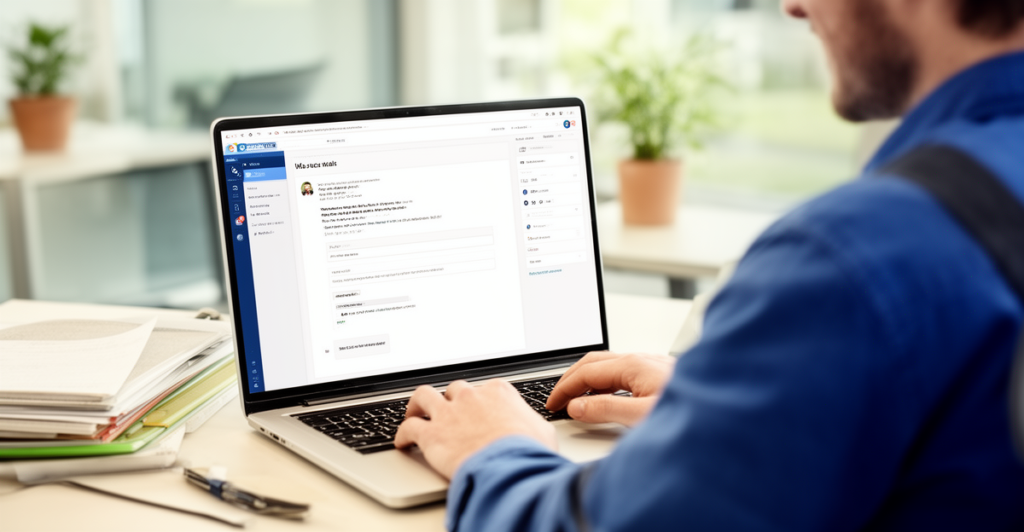
If you’re a tradie looking to grow your business and keep clients coming back, email marketing is a straightforward and effective tool you can use.
This simple Aussie guide will show you how to create emails that bring in repeat work, save time, and build lasting relationships with your customers.
Whether you have just 10 minutes to send an update or want a professional email template that works, we’ve got you covered.
Now, let’s dive into easy steps to use email marketing for tradies without any fuss or jargon.
1. Why Email Marketing Works for Tradies
Email marketing is a great way to stay top of mind with your customers without spending a lot on ads or flyers.
Unlike cold calls or social media posts that can go unnoticed, a carefully crafted email lands directly in your client’s inbox – making your message personal and timely.
It helps you ask for repeat work, share updates, offer promotions, and remind people about maintenance or seasonal jobs.
- Direct communication with clients
- Cost-effective and easy to repeat
- Builds trust and brand awareness
- Drives more repeat jobs and referrals
2. How to Create an Email That Gets Results
To get noticed, your email must be simple, clear, and valuable to your readers.
Start by deciding the purpose – are you following up on a recent job, reminding about upkeep, or offering a discount?
Use a subject line that grabs attention but stays relevant, like “Time for Your Annual Roof Check?” or “Special Offer on Gutter Cleaning.”
- Keep the message short and straightforward
- Use friendly, professional language
- Add a clear call to action, such as ‘Book Now’ or ‘Reply to This Email’
- Include your contact details and signature for trust
3. Using Ready-Made Email Templates to Save Time
You don’t have to start from scratch every time; using an email template helps keep things consistent and professional.
Many tradies use tools like Outlook email templates or free online builders to set up simple formats they can reuse in just 10 minutes.
Templates usually include a greeting, main message, call to action, and a friendly sign-off.
- Choose a clean, easy-to-read design
- Personalise with customer names and job details
- Ensure it works well on mobile and desktop
- Keep a folder of different templates for offers, follow-ups, and reminders
4. How to End an Email Professionally and Friendly
How you finish your email shapes the reader’s impression and encourages them to respond.
Common choices include thanking them for their time, inviting them to reply with questions, or offering a quick chat or quote.
Phrases like “I hope this email finds you well” add a polite touch but don’t overuse formal language – keep it genuine and Aussie-friendly.
- Use a warm closing like ‘Cheers’ or ‘Kind regards’
- Include your name, role, and contact info
- Invite questions or bookings in the sign-off
- Make it easy for clients to take the next step
5. Setting Up Your Email Account for Easy Marketing
If you don’t already have a professional email, create an email account that matches your business name to boost your credibility.
Platforms like Outlook or Gmail offer simple setups and access across devices, so you can make email marketing on the go.
Organise your contacts into groups so you can send targeted emails without mixing different job types or customers.
- Create a business-specific email address
- Sync contacts with your phone and computer
- Use folders and labels to organise customer lists
- Consider email service tools for tracking opens and responses
Frequently Asked Questions
Keep emails short and to the point, ideally under 200 words to respect your client’s time.
Only email people who have given permission or those with whom you have an existing business relationship.
Yes, as long as it sounds genuine and fits your style; avoid overusing formal phrases.
Once a month or every few months is usually enough to stay in touch without overwhelming them.
No, you can use free tools like Outlook email templates or simple online builders to create professional-looking emails.
Using a ready-made email template helps you quickly personalise and send effective emails in under 10 minutes.
Include a clear call to action and end with a friendly invitation to reply or call you for a quote or booking.